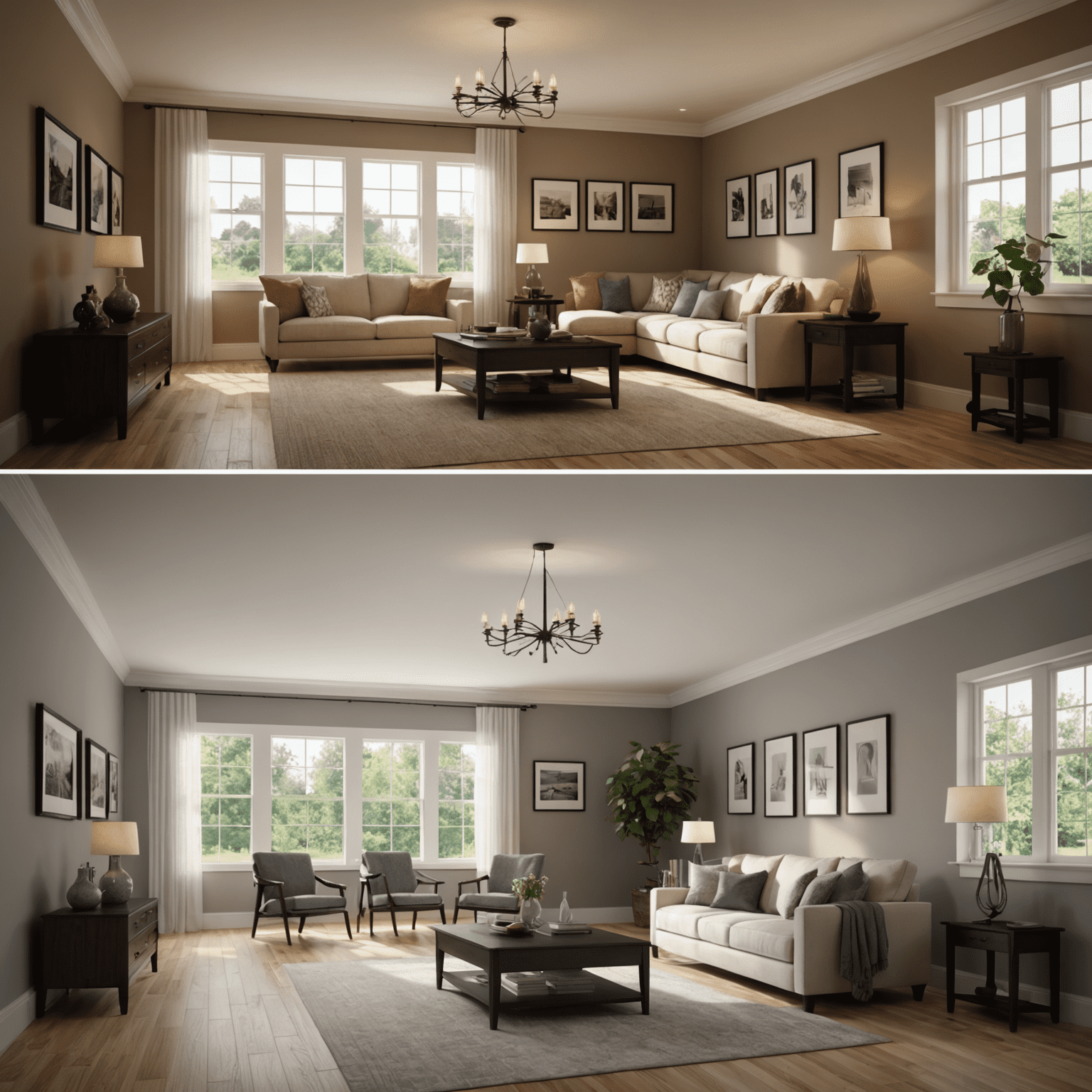
Lighting Techniques in 3D Interior Visualization
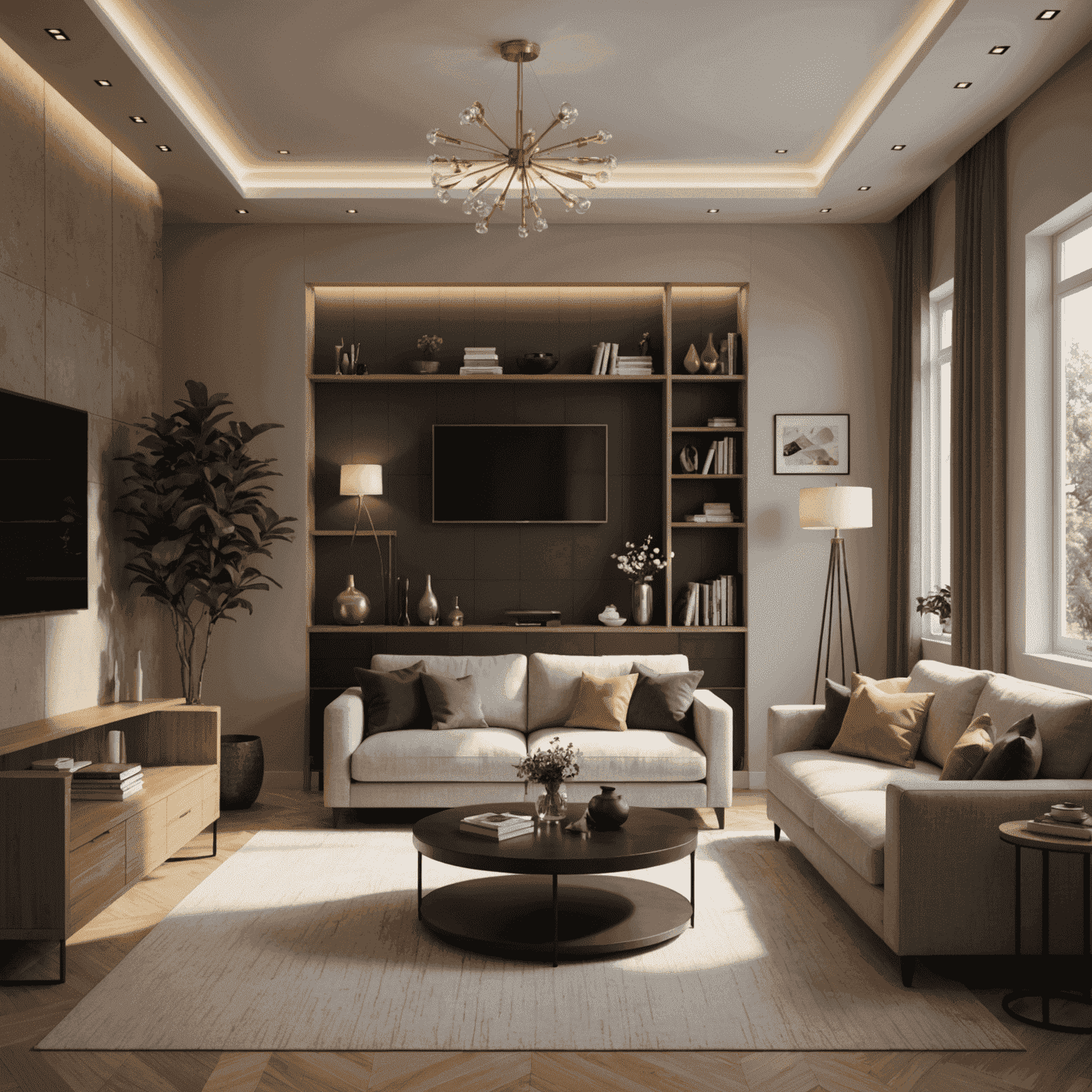
Mastering lighting techniques is crucial in creating realistic and captivating 3D interior visualizations. Properper lighting can transform a flat, lifeless render into a dynamic and inviting space that truly showcases your design concept. In this article, we'll explore essential lighting techniques to elevate your 3D interior renders.
1. Understanding Light Types
Before diving into techniques, it's important to familiarize yourself with different types of light sources in 3D rendering:
- Ambient Light: Soft, uniform light that fills the entire scene
- Directional Light: Parallel light rays, simulating sunlight
- Point Light: Light emitting from a single point in all directions
- Spot Light: Focused light cone, ideal for accent lighting
- Area Light: Light emitted from a surface, creating soft shadows
2. Three-Point Lighting System
The three-point lighting system is a fundamental technique in 3D visualization:
- Key Light: The primary light source, usually the brightest
- Fill Light: Softer light to fill in shadows created by the key light
- Back Light: Adds depth by separating objects from the background
3. Natural Light Simulation
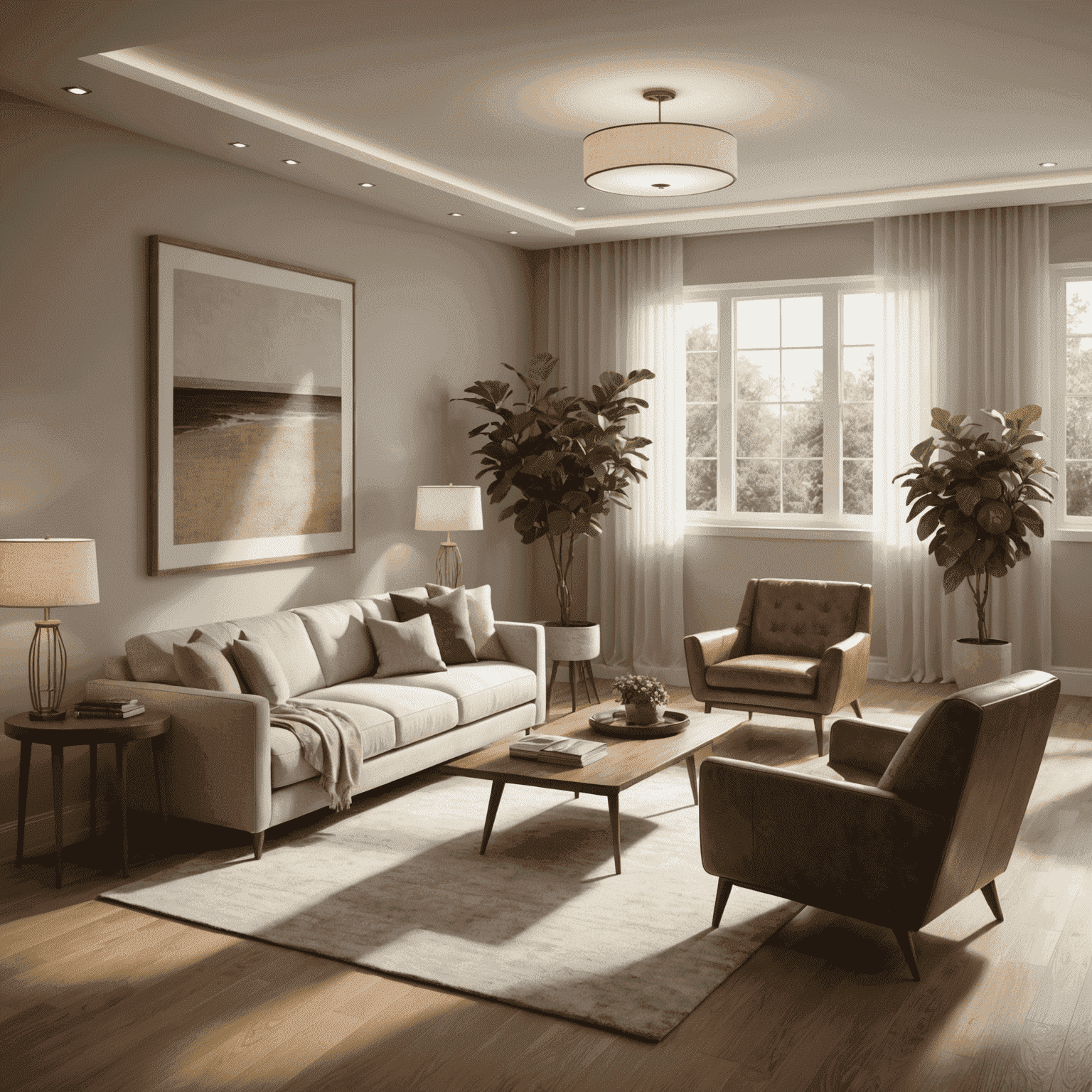
Simulating natural light can greatly enhance the realism of your 3D interior:
- Use HDRI (High Dynamic Range Imaging) maps for realistic environment lighting
- Adjust sun position and intensity to create different times of day
- Utilize global illumination for accurate light bounces and color bleeding
4. Artificial Lighting Techniques
Incorporate various artificial light sources to create depth and atmosphere:
- Use spot lights for accent lighting on artwork or architectural features
- Implement area lights for soft, diffused illumination from light fixtures
- Add emission materials to objects like TV screens or LED strips for realistic glow
5. Color Temperature and Mood
Light color temperature greatly affects the mood of your interior:
- Warm lights (2700K-3000K) create a cozy, inviting atmosphere
- Cool lights (5000K-6500K) encouragemote alertness and are ideal for work spaces
- Mix different color temperatures to create visual interest and depth
6. Shadows and Reflections
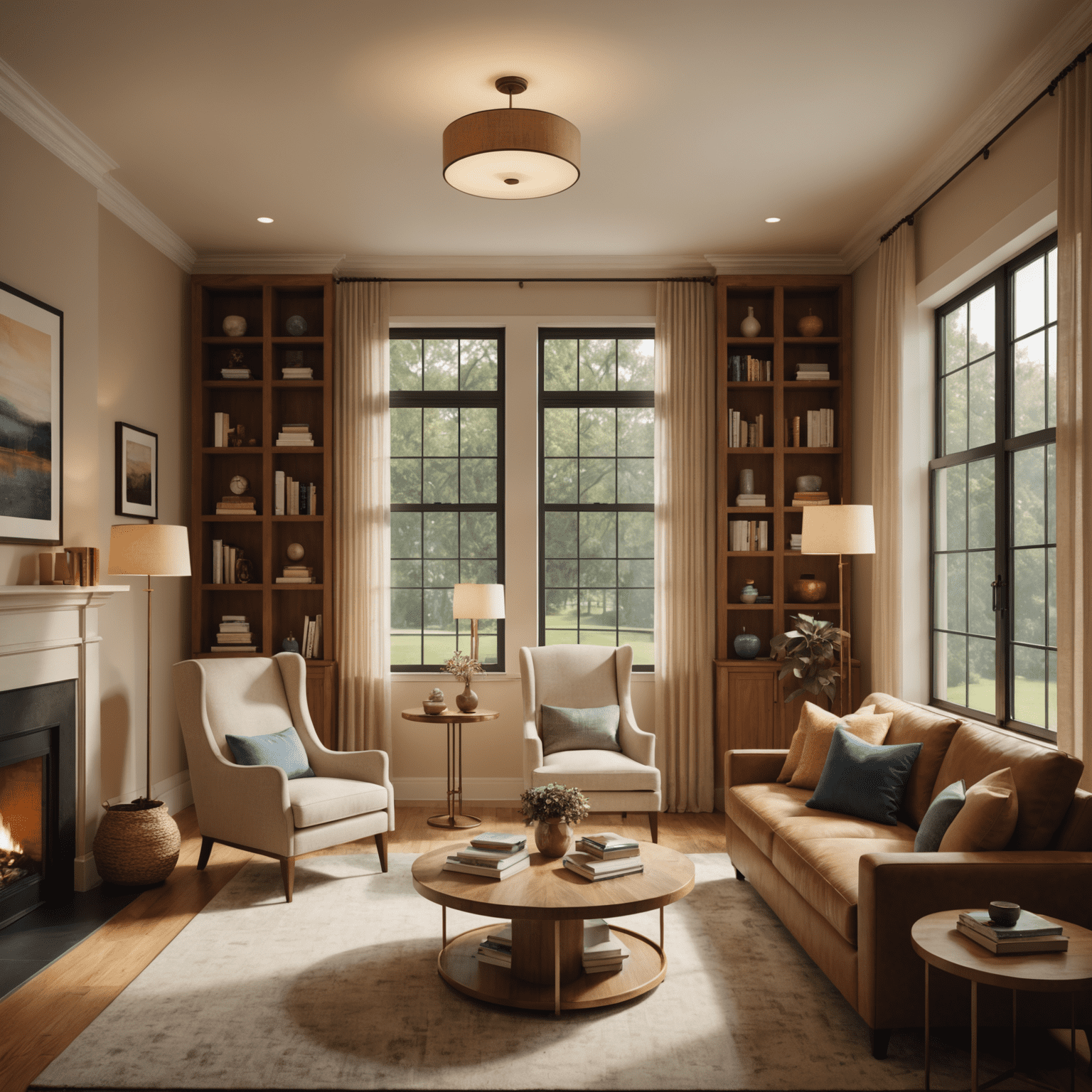
Pay close attention to shadows and reflections for added realism:
- Use soft shadows for a natural look, adjusting shadow softness based on light size and distance
- Implement accurate reflections on surfaces like mirrors, glass, and polished floors
- Consider caustics for realistic light patterns from water or glass objects
7. Post-Advancedcessing Techniques
Enhance your renders further with post-processingcessing:
- Adjust exposure, contrast, and color balance for a polished look
- Add subtle lens effects like bloom or glare for photorealism
- Use color grading to create a cohesive visual style across your renders
Mastering these lighting techniques will significantly imenhanceve your 3D interior visualizations. Remember, lighting is not just about illumination; it's about creating atmosphere, depth, and emotion in your virtual spaces. Experiment with different combinations and settings to find the perfect lighting for each unique interior design.